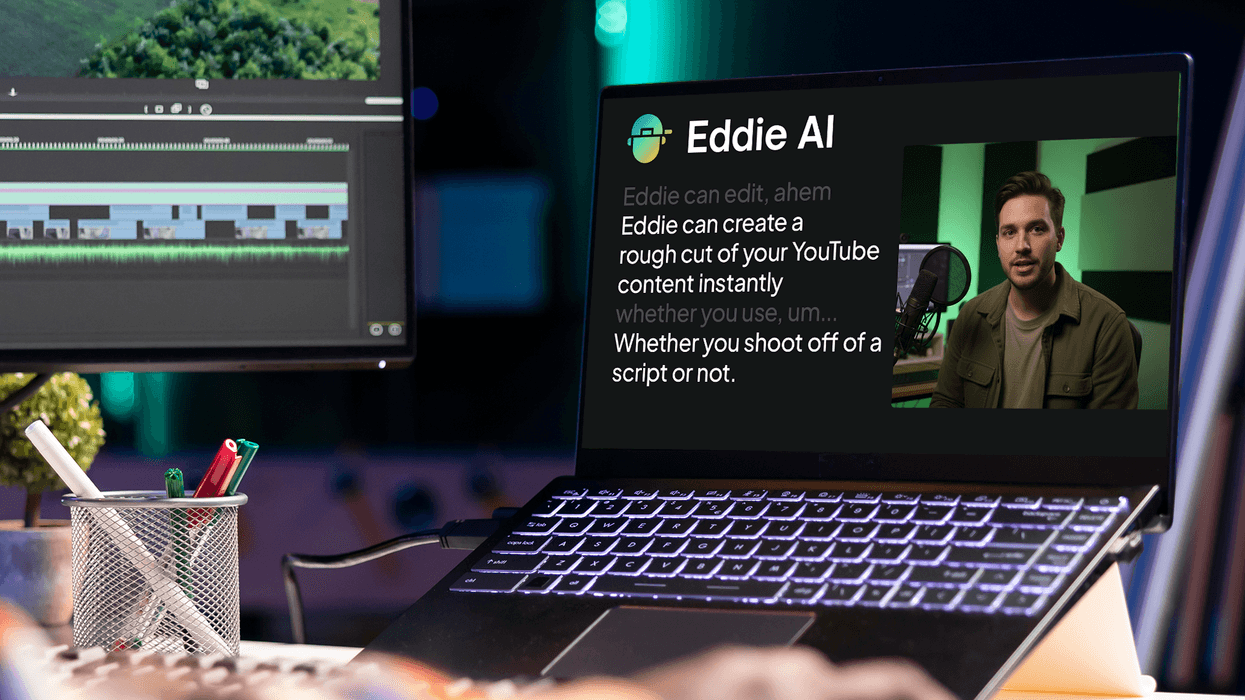
The world of AI continues to turn as new generative models are still being introduced, new platforms for using them are launched, and non-generative AI workflow tools are powering up. In the latter camp, Eddie AI is becoming one of the more popular tools for letting AI assist your editing workflows, and the app is getting another pretty significant update.
Eddie AI’s Scripted Mode will now dramatically improve its rough-cut performance for all users who are providing a full script, an outline, or even no script at all. If you’re interested in these things, here’s what you need to know.
Eddie AI Scripted Mode Update
Launched back in July of this year, Eddie AI’s Scripted Mode feature was built on Eddie’s original text-driven editing engine. The goal has always been to help enable creators and their editors to generate clean, structured rough cuts at unprecedented quality.
“This release marks a major step toward the future of editing. Editors no longer need to manually assemble a rough structure. Eddie can now take a script, or an outline, or simply the footage itself, and build an edit that already feels like a first cut. We’re seeing creator teams save hours — sometimes days — on every project.” — Shamir Allibhai, Founder & CEO of Eddie AI.
With a deeper understanding of story flow, stronger take selection, and a redesigned text-based editing panel, Eddie appears to now be able to assemble watchable, coherent edits from raw footage alone.

Credit: Eddie AI
New Rough-Cut Capabilities
Overall, for those interested in utilizing these new (non-generative) AI tools in their editing workflows, this could be a pretty significant breakthrough for YouTubers, corporate video producers, and production companies managing high-volume straight-to-camera content.
With these new this new enhanced understanding of narrative intent technology, Eddie AI can now:
- Builds story-driven rough cuts without requiring a script
- Accepts scripts, outlines, briefs, or nothing at all
- Identifies and assembles the best takes
- Displays alternative and discarded takes in a clean text-based interface
- Supports multicam and single-cam with separate audio
- Allows intuitive rearranging of scenes, trims, and structure before export
From some early tests, it does seem like Eddie AI is working significantly faster and more efficiently in these areas, limiting the number of requests and delivering results much quicker.

Credit: Eddie AI
More Updates and Availability
Along with the new update for Scripted Mode, Eddie AI has also rolled out the following updates, including:
- “Dirty” Multicam Sequences for Premiere
- Enable/disable markers for export
- Add a treatment or brief guide to your edit
- Colored and interpreted B-Roll seamlessly Log and Relink in Premiere Pro
- Multi-file, multicams in Final Cut Pro
- A new “Start Project” flow
If you’re interested in possibly trying Eddie AI out yourself, you can find more info on the company’s website here.
DISCLOSURE: This is a news post about an Eddie AI feature release written by the author, Eddie AI is also a No Film School sponsor, and their directly sponsored posts are clearly marked as Sponsored.
- Eddie AI Launches its First NLE Extension With Adobe Premiere Pro Plugin ›
- Eddie AI Introduces Smarter B-Roll Detection and New Support for Multiple Languages ›
- Are You Ready For All of the New Features Coming to This AI-Assisted Video Editor? ›
- Fine-Tune Your AI-Cut Videos With Words in Eddie AI’s Rough Cut Mode ›
- More Agentic Editing, Longer Rough Cuts, and Smarter B-Roll Logging Updates Coming to Eddie AI ›
- AI Assistant Editor Tool Eddie AI Expands Support to 30 Languages… But Curiously Still Not Klingon ›
- More AI Editing Assistance is on the Way as Eddie AI V4 is Unveiled Ahead of IBC 2026 | No Film School ›