Are You Ready For All of the New Features Coming to This AI-Assisted Video Editor?
A quick look at all of the new features rolled out by Eddie AI and how they could be helpful for those looking to embrace the world of AI-assisted video editing.
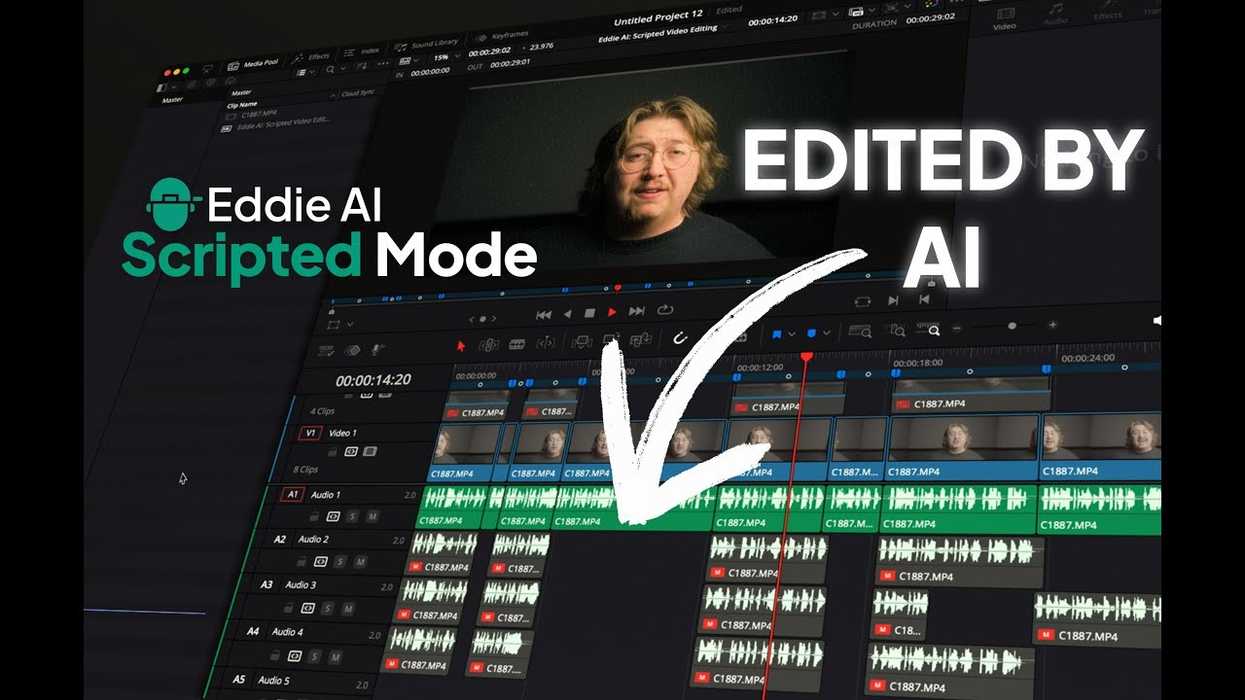
It’s been a busy month for the team at Eddie AI as the company reports that it has rolled out nearly 50 new features since the first of August. We’ve covered several of the updates that have seen expanded NLE integrations and file compatibilities, 30 new languages, and your usual array of management and performance improvements.
If you haven’t been following, though, here’s a full roundup of everything new with the popular assistant video editing app Eddie AI.
Eddie AI Updates and Features
Expanded NLE Integration and File Compatibility:
- Eddie now edits in 30+ languages. Import your interview in any one of dozens of new languages. (Except Klingon.)
- Blackmagic Cloud and NAS Support: Eddie AI now supports Network Attached Storage (NAS) and Blackmagic Cloud. Boom.
- NLE Proxy: if you make proxies in your NLE, Eddie now pulls those instead of the source media, making it swifter to import
- Updated Eddie extension for Resolve: Eddie is more stable for DaVinci Resolve imports and performs better with large projects.
- FCP Simple Timeline: If you cull interviews on the timeline first in FCP, you can now drop in FCP timelines to Eddie’s Rough Cut mode. We already support timeline import from Adobe Premiere Pro and DaVinci Resolve to Eddie.
- Precise Timecode and Reference: Why is start timecode interpreted differently by different vendors? We solved it so relinking is smoother.
- Support for Apple App Store’s DaVinci Resolve: Issues with Resolve installed from the Apple App Store have been addressed.
- Optimized Clip Importing: Importing a large batch of clips for B-roll logging is now more efficient, resolving timeout issues.
- High Framerate Support: 90, 100, 119.88, and 120 FPS are now supported
- Fixed Premiere Pro Motion Effect: The latest version of Premiere Pro introduced a bug that caused missing Motion Effects on edit sequences. This is now resolved.
- Preventing Metadata Duplication: The system now helps users avoid importing FCP clips that already contain metadata.
Enhanced User Experience & Account Management:
- Pay-as-you-go, No Sub required: Gig to gig? All good. Buy credit without a subscription and use it as you need.
- Simplified Subscription Management: In-app flows for unsubscribing and reactivating accounts have been introduced, along with direct access to the user’s billing portal from "Manage Account," eliminating the need for a separate email sign-in.
- Broadened Language Support: Define a default language you want your footage to transcribe in.
Multicam and Project Workflow Refinements:
- Improved Multicam Error Handling: Multicam error and warning messages are now clearer, and some projects can be imported with warnings instead of failing entirely, offering greater flexibility.
- Robust B-roll and A-roll Processing: Significant improvements have been made to the processing of b-roll, a-roll, and scripted projects, particularly under heavy load, ensuring smoother performance.
- Automated Multicam Activation: Eddie now automatically switches to multicam mode when multicam clips are imported into Eddie.
- Enhanced Multicam Podcast Sync: Improved sync for Podcast mode, where Eddie cuts to the right camera angle at the right moment.
Refined Export and Media Handling:
- Advanced MP4 Export and Captioning: MP4 export now supports transparent outline for caption styling, and a new font has been added for broader language support in captions.
- YouTube Video Import: Users can now import videos directly from YouTube, such as to create short, vertical social media clips. There’s only so long you can deny TikTok’s existence and your client’s desire to post to it. At least we made it easy for you.
- Better FCP Captions: Goodbye orphan words sadly residing on a caption by itself.
- Robust Export Stability: Dozens of updates have happened here alone, leading to increased stability.
- Smart Rough Cut Export: Rough cut export now includes chapter names as ranged timeline markers.
Key Bug Fixes and Performance Enhancements:
- Improved B-roll Analysis: Updates and better support for pro codecs.
- Text Editing Reliability: Updates to the text-based video editing feature. That is, use Eddie to get to a good cut and polish in the UI using text.
- Multicam Project Stability: A crash for R3D files from NLE has been fixed, and a bug causing multicam projects to fail if the audio asset included a thumbnail has been addressed.
- Mobile Upload Improvements: Uploads from mobile devices (Chrome + Android) have been improved.
- Streamlined UI: Transcoding/Uploading status and the Share Page have received UI improvements.
If you haven’t been following and are curious about what Eddie AI is and how it works, you can find out more on the company's website here.
- Eddie AI Launches its First NLE Extension With Adobe Premiere Pro Plugin ›
- The “ChatGPT for Video Editing” Tool Eddie AI Releases Automatic Multi-Cam Editing Feature ›
- AI Editing Company Offers “Magical Rough Cut” Mode to Help Streamline Your Edits ›
- How to Use AI to Edit Soundbites From Numerous Interviews Together ›
- Eddie AI Unveils “Scripted” Mode That Cuts Your Videos to Match Your Script in Minutes ›
- Fine-Tune Your AI-Cut Videos With Words in Eddie AI’s Rough Cut Mode ›
- Eddie AI Introduces Smarter B-Roll Detection and New Support for Multiple Languages ›
- More Agentic Editing, Longer Rough Cuts, and Smarter B-Roll Logging Updates Coming to Eddie AI ›
- Is Video Editing a Multiplayer Game? This New Online Editing Platform Says It Should Be | No Film School ›
- Eddie AI, an AI Assistant Editor Tool, Adds Faster and More Accurate Updates to Its Scripted Mode ›
- More AI Editing Assistance is on the Way as Eddie AI V4 is Unveiled Ahead of IBC 2026 | No Film School ›