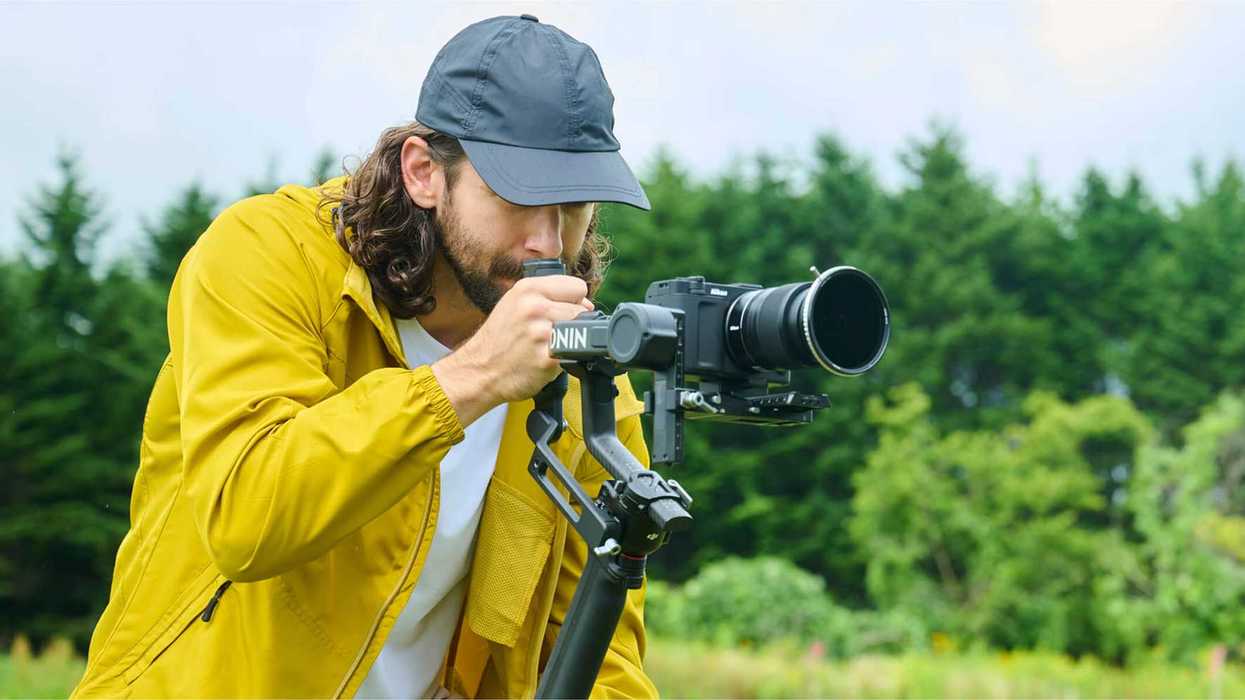
A “unicorn” of a camera, which is the first of its kind, the Nikon ZR was born from the marriage of RED Digital Cinema’s color science and Nikon's imaging and design.
While more of a target for run-and-gun videographers than blockbuster cinematographers, the Nikon ZR is proving to be popular with a wide range of shooters and content creators thanks to its 6K60 video capture in REDCODE, N-RAW, or ProRes RAW and 15+ stops of dynamic range.
To give it a boost, though, Nikon has just announced a new firmware update (version 1.10), which aims to power up the camera even more with new syncing and organizing features as well as longer recording times. Here’s what you need to know.
Nikon ZR Firmware Update 1.10
Announced by Nikon and available now, this latest firmware update (version 1.10) for the Nikon ZR is a bit bigger and more sophisticated than your usual firmware updates that don’t get their own number.
The big news here for firmware version 1.10 is that it will add support for timecode inputs over a wired connection. This will make it easier for videographers to sync their audio recording devices and their other cameras.
As for the organizing updates, the Nikon ZR will now allow for a file-naming convention similar to that of RED cameras, which should further enable more efficient data management, especially when shooting with multiple cameras.
Longer Recording Times and Usability Updates
Along with the above, the Nikon ZR has seen its maximum recording times for continuous recording significantly extended from 125 minutes to up to 360 minutes (6 hours). This should help enable videographers to record long takes and shoot at events that require extended recording, such as interviews, concerts, documentaries, weddings, or other events.
Nikon notes that this new extended recording time is set to apply to ProRes 422 HQ, H.265, and H.264 formats at various frame rates as well.
The ZR is also getting several features to help with usability, including a function that displays a warning line indicating the maximum brightness level in the brightness information display when recording R3D NE videos in Log3G10, plus a helpful setting to prevent unintentional battery drain.
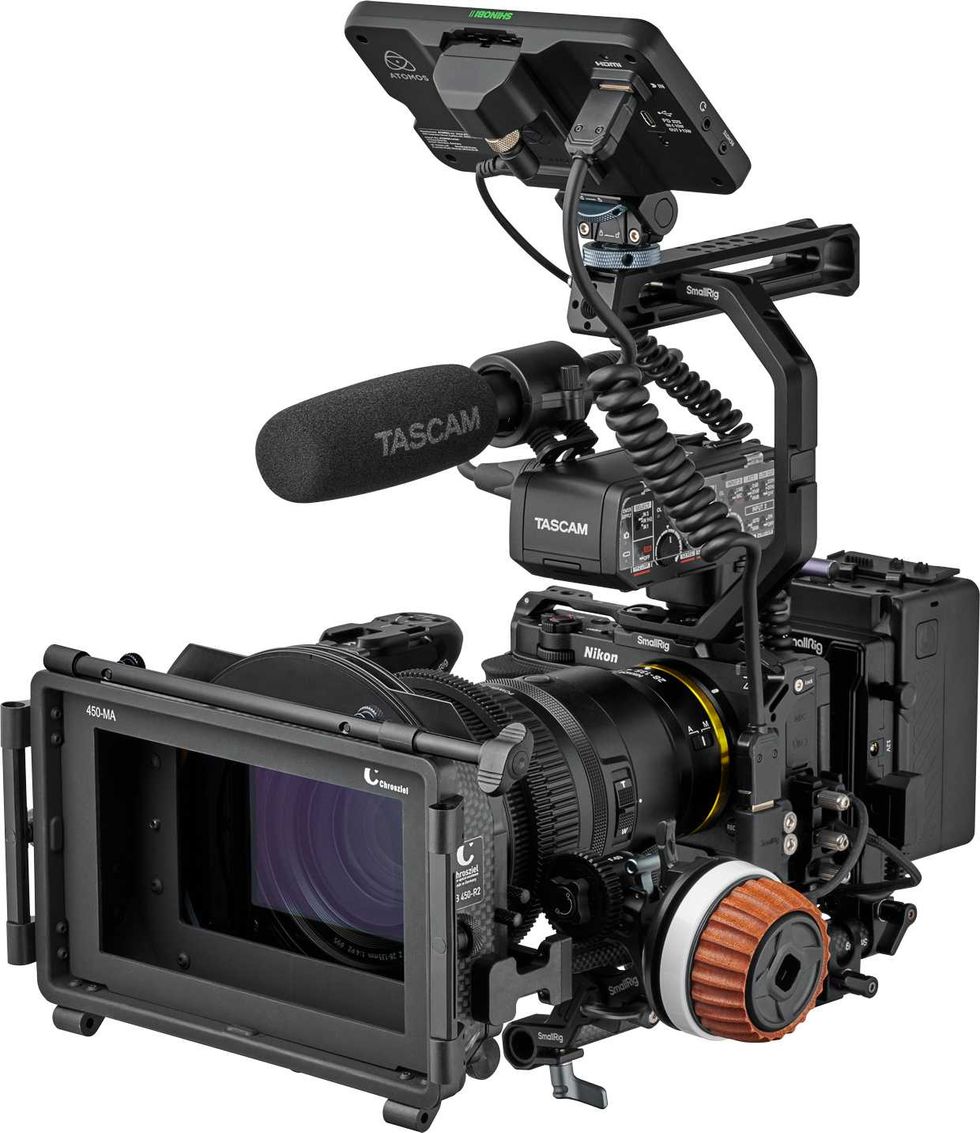
Nikon ZR
Credit: Nikon
Download and Install
If you’re interested in downloading and installing this new firmware update for the Nikon ZR today (or if you’d like to wait and add it in a few days or possibly weeks), you can find everything you need to get this free firmware update on Nikon’s website.
Nikon ZR 6K Cinema Camera
By combining RED color science and Nikon engineering, the Nikon ZR 6K Cinema Camera is a first-of-its-kind powerhouse designed to capture stunning cinematic images in one compact body.

- The Nikon ZR is a Sleek RED-Infused Introduction to a Powerful New Z Cinema Series ›
- Could the Nikon ZR Sneakily Become the Best Camera for Documentary Filmmakers? ›
- Here’s Why Your Nikon ZR Might “Rattle” When Not Turned On (And Why It’s a Good Thing) ›
- Look Out! Another Nikon ZR Camera Cage Option is Lurking in the Wild ›
- Smarten Up and Keep Your Nikon ZR Protected With This Camera Cage Option ›
- Don’t Be An Idiot: Protect Your Potential Investment In The Most Anticipated Camera Of the Year ›
- The Nikon ZR Gets Minor Fixes and Improvements With This Latest Firmware Update ›
- Level Up Your Nikon ZR Shooting Experience With This New ZR CTL Smartphone App ›
- Nikon Announces New Firmware Update for the Nikon ZR, Plus a Roadmap for Future Upgrades | No Film School ›